



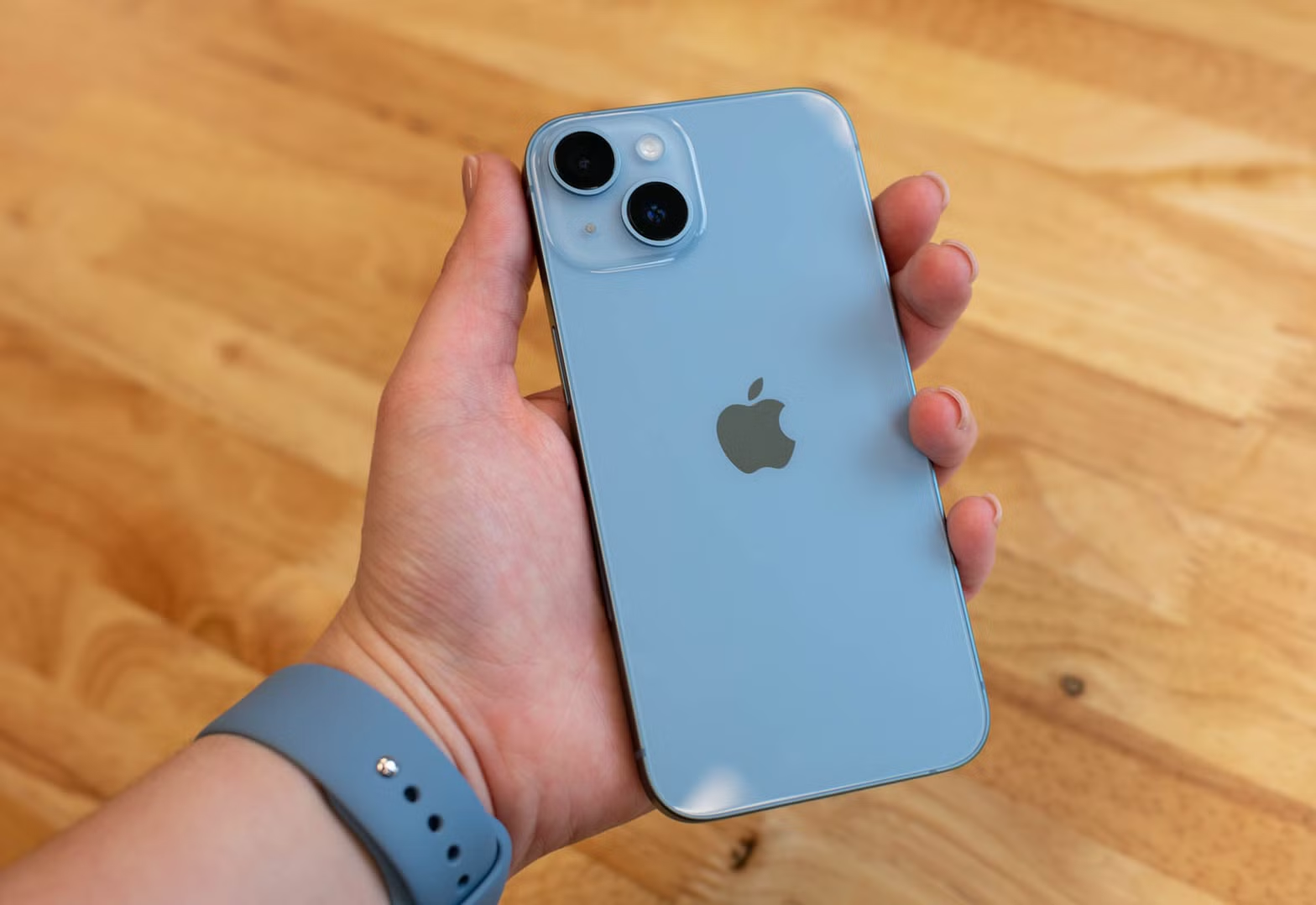
When you purchase a used iPhone, you may be curious about its background. You might want to know whether Apple originally sold it as a brand-new device or as a refurbished model. Fortunately, there is a simple way to check its original sales status, although determining whether it was refurbished later by another seller can be more difficult.
Find Your iPhone Model Number
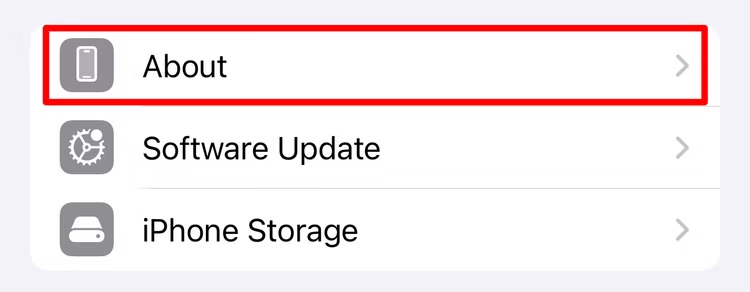
Open the Settings app on your iPhone, then go to General > About. This page displays key details about the device, such as its name, iOS version, and model number.
The first letter of the model number can give you useful information about how the iPhone was originally sold or distributed.
- If the model number begins with M, the iPhone was originally sold as a new device.
- If it starts with F, the device was sold as a refurbished iPhone.
- A model number beginning with P indicates that the iPhone was personalized, such as with an engraving.
- If the model number starts with N, the device was issued by Apple as a replacement for another iPhone.
Finding out that an iPhone was refurbished does not necessarily mean there is a problem with it. Apple refurbishes eligible devices through a detailed inspection and restoration process. The device is cleaned, tested, and repaired where necessary, with certain components replaced to bring it back to a high standard.
Apple-refurbished iPhones are generally designed to perform and appear much like new devices, but they are sold as refurbished rather than brand new. Because of this, refurbished models are often available at lower prices and may offer good value for buyers.
Mobile carriers and other retailers may also sell refurbished iPhones. However, their refurbishment standards can differ from Apple’s process. For example, some sellers may not replace the battery or offer the same warranty coverage.
If you want to confirm the remaining warranty or coverage on an iPhone, you can check it using the device’s serial number through Apple’s official support services.
Third-Party Refurbished Devices
An iPhone may have originally been sold by Apple as a new device and still have been refurbished later by an independent repair shop or reseller. Because refurbishment standards can vary widely between third-party sellers, it is worth checking the device carefully before buying a used iPhone.
The model number alone cannot confirm whether a phone was refurbished after its original sale. However, several checks can help you learn more about its condition and repair history:
- Inspect the packaging: If the iPhone comes in genuine Apple packaging with no indication that it is refurbished, there may be a lower chance that it was later resold as a refurbished device. Packaging alone, however, is not proof.
- Review the parts and service history: On supported iOS versions, go to Settings > General > About to see whether certain major components have been replaced or serviced.
- Have the device inspected: Apple or an authorized service provider may be able to examine the iPhone and identify signs of previous repairs, replacement components, or other modifications.
None of these methods can guarantee that a third party never refurbished the device, but together they can provide a clearer picture of its repair history and overall condition.
Ultimately, whether an iPhone was originally sold as new, refurbished, or later repaired does not automatically determine how well it will perform. Its current condition, battery health, replacement parts, and how it was treated by previous owners are usually more important. Still, checking its history can help you make a more informed decision when buying a used device.
Frequently Asked Questions About Checking if Your iPhone Was Refurbished
How can I tell if my iPhone was refurbished?
Go to Settings > General > About and check the model number. The first letter can provide information about how Apple originally sold or distributed the device.
What does an iPhone model number starting with F mean?
A model number beginning with F generally indicates that the iPhone was sold as a refurbished device.
What does a model number starting with M mean?
If the model number starts with M, the iPhone was originally sold as a new device. However, it may still have been repaired or refurbished by a third party later.
Can an iPhone model number tell if it was refurbished by a third party?
Not always. The model number mainly shows how the device was originally distributed. Repairs or refurbishment performed later by a third party may not change the model number.
How can I check if parts have been replaced on my iPhone?
Open Settings > General > About and look for the Parts and Service History section, if available. It may show whether components such as the battery, display, or camera have been replaced.
Is it safe to buy a refurbished iPhone?
Yes, a refurbished iPhone can be a good option if it has been properly inspected, tested, and repaired. Before buying, check its battery health, physical condition, repair history, and warranty coverage.
Does a refurbished iPhone work differently from a new iPhone?
A properly refurbished iPhone can perform similarly to a new device. Its performance mainly depends on its current condition, battery health, replacement parts, and how it was used by previous owners.
Conclusion
Checking whether your iPhone was refurbished is fairly simple when you know where to look. By opening Settings > General > About and reviewing the model number, you can learn how Apple originally sold or distributed the device. You can also check the Parts and Service History section to see whether important components have been replaced.
Keep in mind that the model number may not reveal repairs or refurbishment performed later by a third party. For a clearer picture, inspect the phone’s condition, battery health, packaging, service history, and warranty details. These checks can help you better understand the iPhone’s background and make a more informed decision when buying or using a second-hand device.
